
Recordside
One workspace for the whole practice process.
tet Recordside is a desktop practice system for Windows. It brings the recordings, separated parts, Takes, notes, and progress that usually scatter across different applications into one place built around the act of practicing.
In development, not yet commercially available
The loop the whole product is built around
Goals › Skills › Resources › Repertoire › Suggested Session › Practice › Record › Evidence › Progress › Re-plan
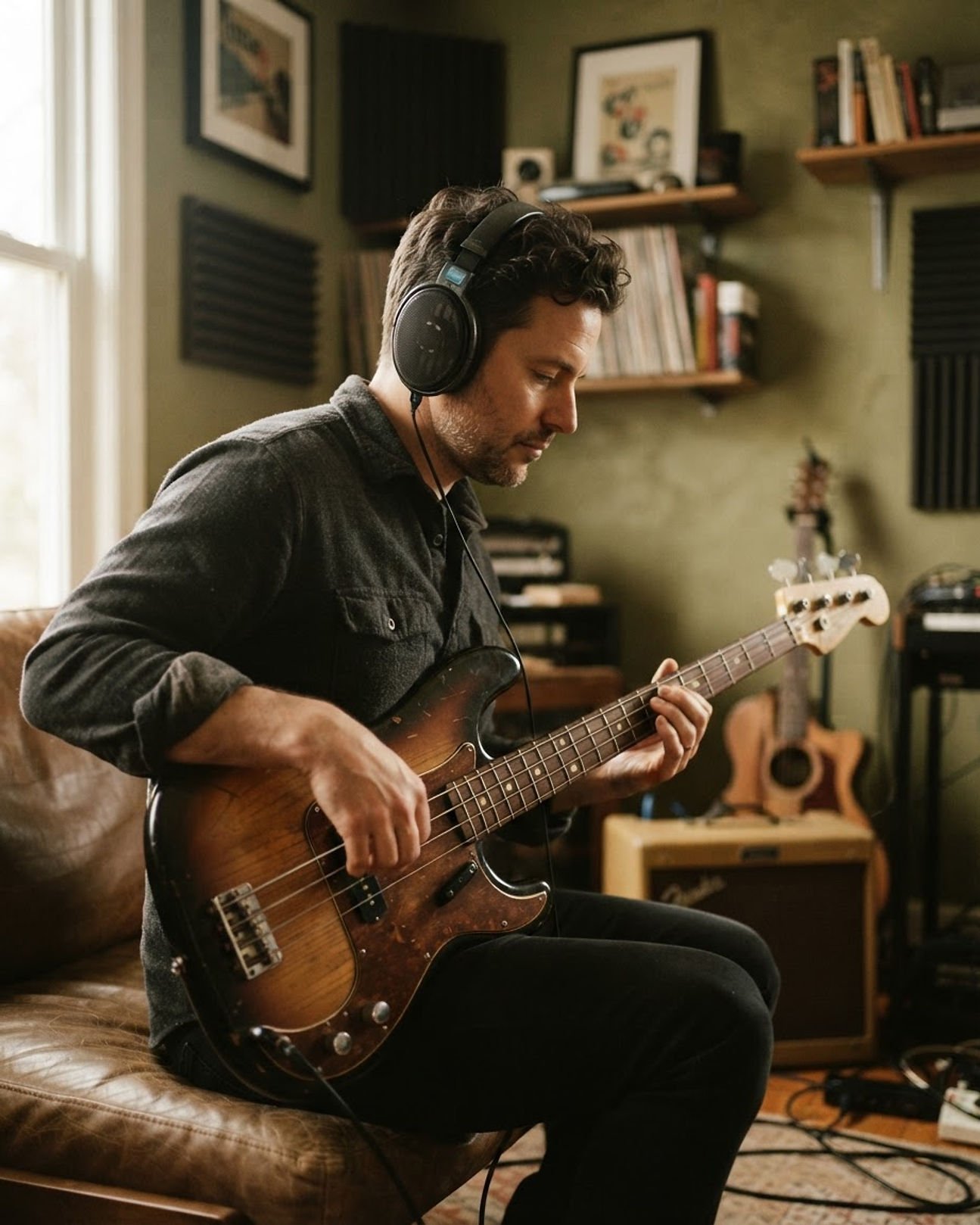
Practice is the product. Everything else supports it.
Importing music
Start with a song you already know.
Add recordings from your own collection. Recordside keeps them in a library organized around what you are working on rather than where a file happens to sit on disk. If you already have separated parts, you can import those too.
- ✓A local library of the songs you are working on
- ✓Import from files you already have
- ✓Imported instrument parts, aligned when a reliable match is found
- ✓Guitar Pro files and tablature, when you have them
- ✓Per-instrument repertoire tracking
- ✓Resources attached to the song they belong to
- ✓Setlists built from your own repertoire
In practice
You have been meaning to learn the bass line on a record you have owned for years. Import the track, attach the tab you found, mark it as Learning, and it turns up in your Practice Queue the next time you sit down.
You bring your own music. Recordside does not sell or supply licensed commercial songs, and it is not a subscription library.
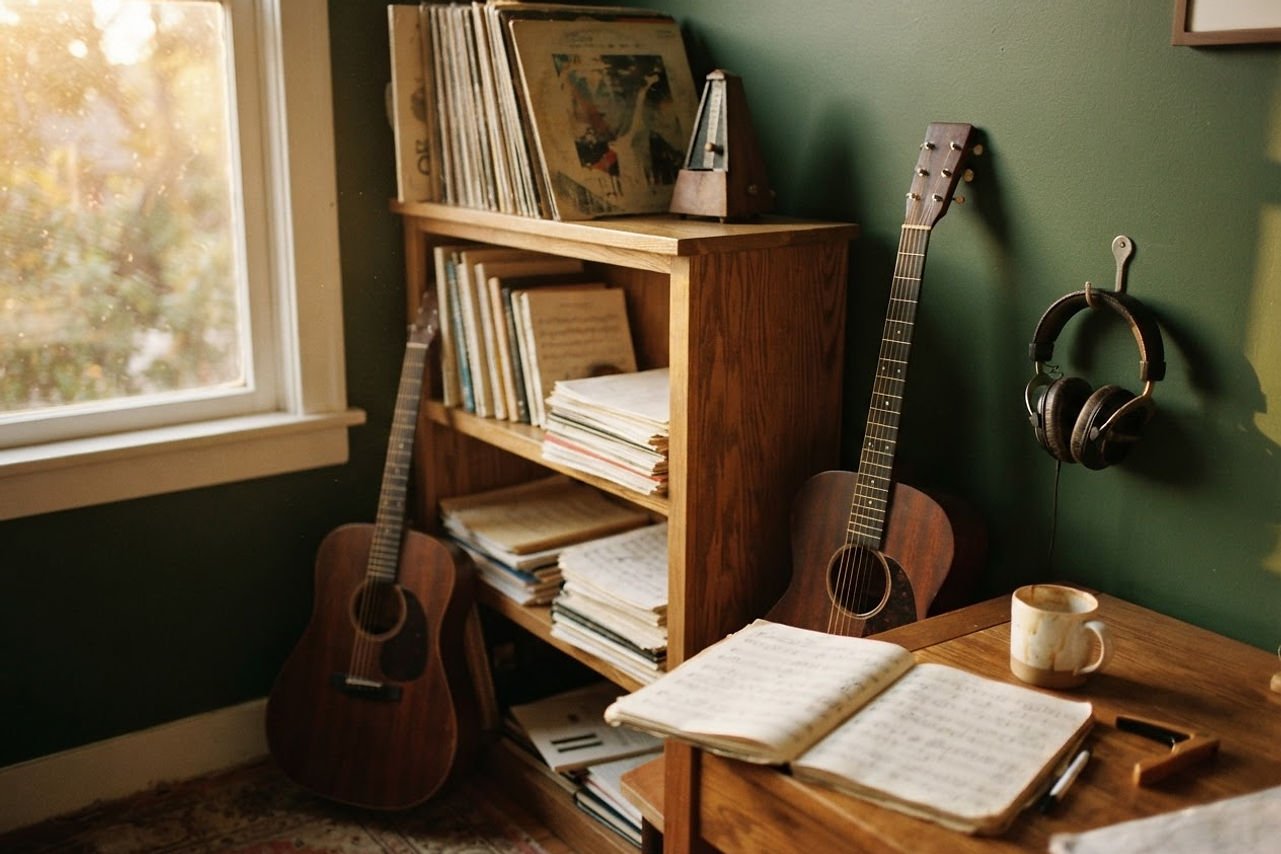
Everything you are working on, kept together and kept local.
Stem separation
Separate the parts, then decide what you hear.
Separation is not the point on its own. The point is that you can build the practice mix you need, change it in a second, and get on with playing. Turn the bass down and play it yourself. Solo the drums and sit in the pocket. Bring everything back and hear how it holds together.
- ✓Automatic stem separation
- ✓Independent stem volume
- ✓Independent Mute and Solo
- ✓Custom practice mixes you can return to
- ✓Quick Mute My Part
- ✓Imported stem support
- ✓Automatic alignment of imported stems where a reliable match is found
In practice
You are working on a chorus where the bass moves under the guitar. Mute the bass, play it yourself against the rest of the band, then bring the original part back in and listen for the bar where you drift.
Separation quality depends on the recording and the model you choose. A part with a lot of reverb or a dense arrangement is harder to isolate cleanly, and Recordside does not claim studio-quality separation for every song.
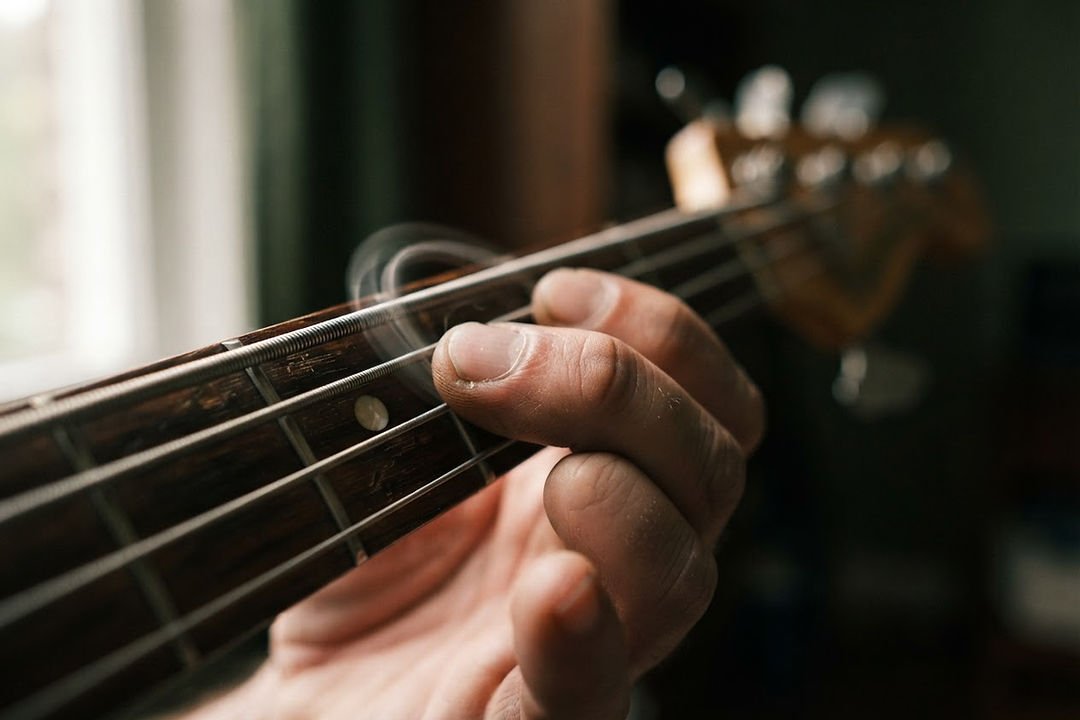
Turn a part down, and the playing is yours.
One recording, four parts
Vocals — Playing · Guitar — Playing · Bass — Muted · Drums — Playing. Turn a part down and play it yourself. Bring it back when you want the whole arrangement underneath you.
The practice workspace
Where the work actually happens.
Everything needed for one passage sits in one place: the recording, the parts you kept, the loop, the speed, the count-in, and the notes you made about it last week. Nothing asks you to leave Practice to do the next thing.
- ✓Section looping
- ✓Saved practice sections you can name and reuse
- ✓Pitch-preserving speed changes
- ✓Pitch adjustment
- ✓Speed training
- ✓Metronome and count-in
- ✓Keyboard and MIDI controls
- ✓Scrolling notation and tablature
In practice
Mark bars 17 to 24, drop the speed to seventy percent, and loop until the transition is clean. Save that section by name so tomorrow starts where today stopped instead of from the top of the song.
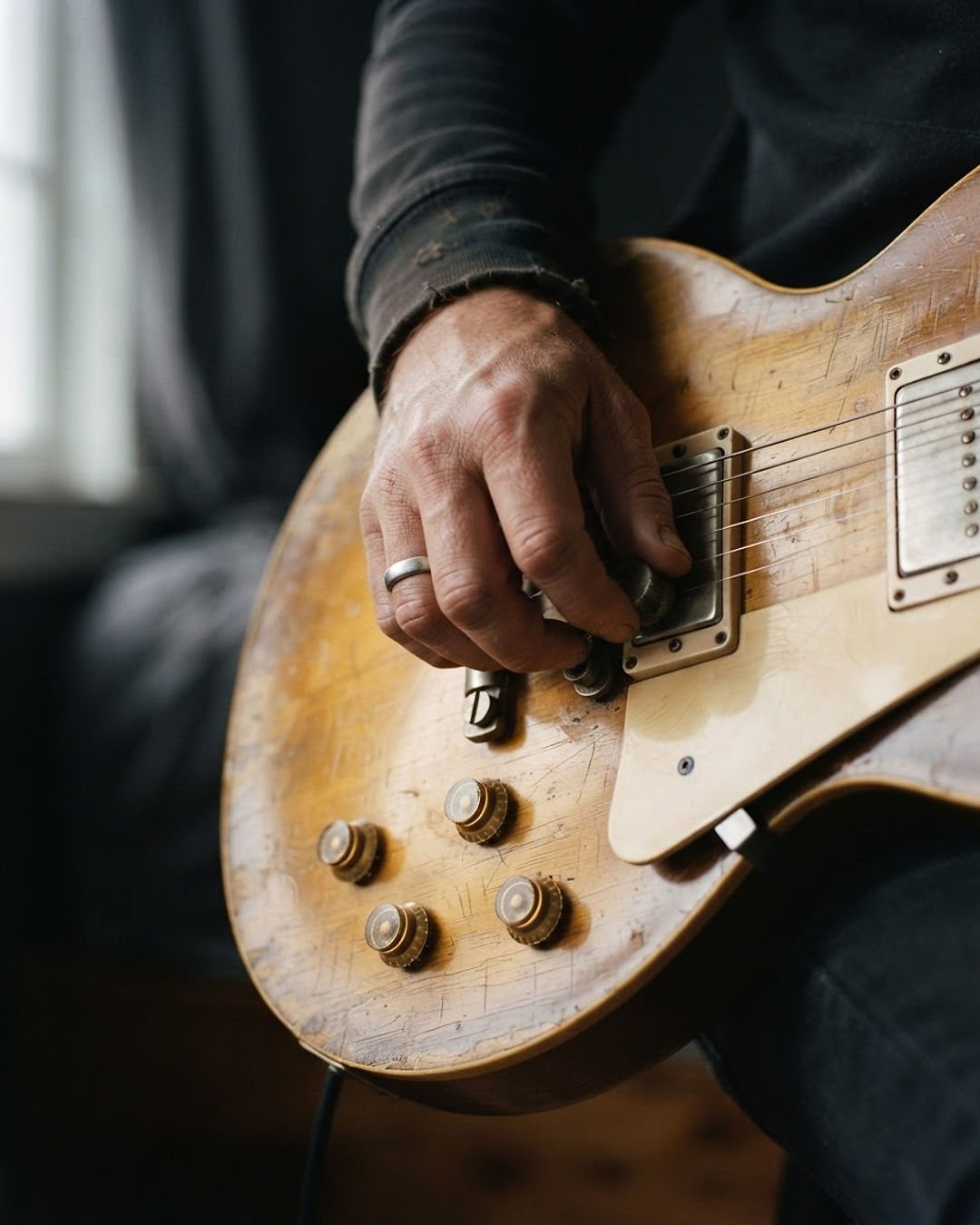
No tab? No problem.
Notation is an option, never a requirement. Practice with the recording alone, with separated parts, by ear, or from memory, and add tablature when it helps.
Audio and video Takes
Record the attempt. Review the attempt.
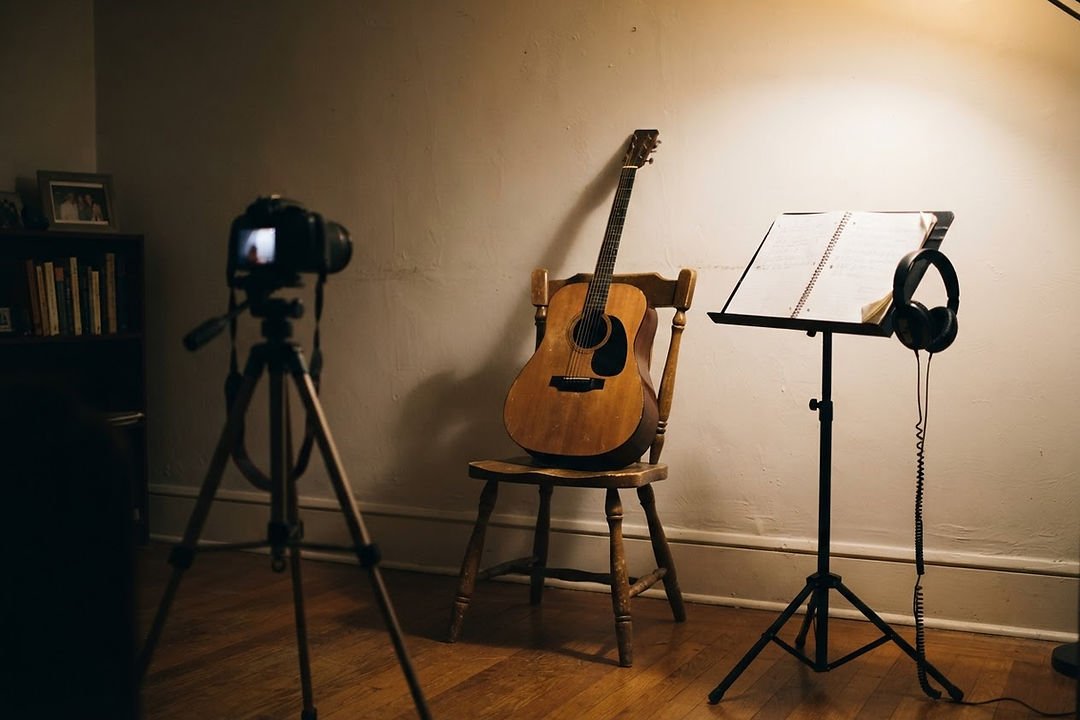
How you think you sound and how you actually sound are two different things. Recording a Take inside the session closes that gap. Keep the camera rolling while you play and you can also see what your hands were doing when the passage came apart.
- ✓Audio Takes recorded inside Practice
- ✓Video Takes from a connected camera
- ✓Live camera framing preview
- ✓Movable and resizable picture-in-picture
- ✓Review without leaving the session
- ✓Keep or discard each Take
- ✓Local Take history per song
- ✓MP4 export of Video Takes
In practice
The fast run in the solo keeps failing at the same point. Record a video Take, watch your fretting hand on the third attempt, and you can see the shift that costs you the timing rather than guessing at it.
Recordside is not a multitrack studio, a video editor, or a publishing tool. A video export contains the performance audio you captured.
Progress and evidence
Evidence, not a score.
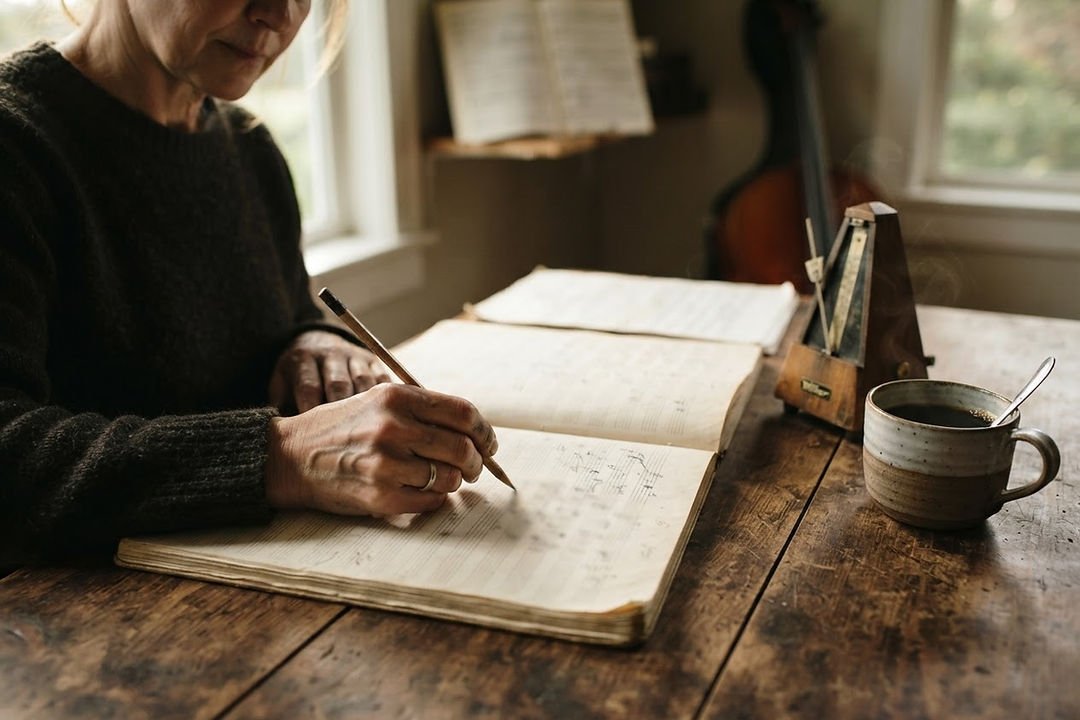
Recordside does not tell you that you are an eighty-two percent musician. It keeps what actually happened and lets you read it: the Takes you kept, the sections you returned to, the parts that have stopped falling apart, and the passages that still need work.
- ✓Practice history across sessions
- ✓Repertoire status per instrument
- ✓Recent changes worth noticing
- ✓Practice consistency over weeks
- ✓Timing evidence against a reference part
- ✓Passages flagged for another pass
In practice
Timing evidence points at the two bars either side of the key change. That is a specific thing to practice in your next session, instead of a vague feeling that the song is still not right.
Where the limits are
Timing analysis depends on how confident the match is. It does not grade note accuracy, pitch accuracy, posture, or overall musical ability. There are no mastery percentages, streaks, or leaderboards.
Coach and practice planning
A session that starts with a reason.
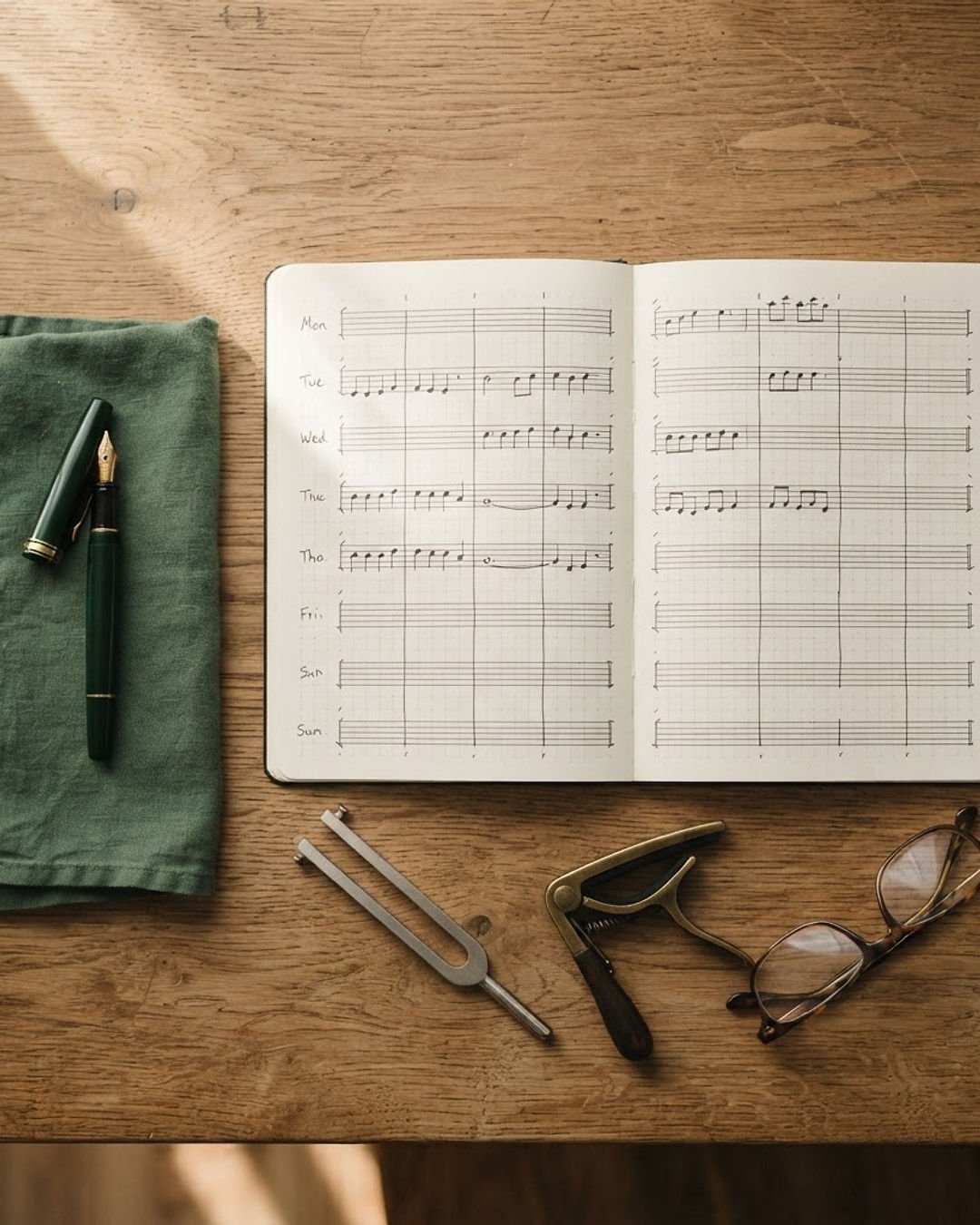
Most sessions go wrong before the first note, because there is no plan. Coach takes your goals, the repertoire you are working on, the time you actually have, the resources you are learning from, and the evidence from previous sessions, and turns them into something specific to do.
- ✓Personal goals written in your own words
- ✓Skills mapped to the material that builds them
- ✓A weekly practice plan
- ✓Suggested Sessions and a Practice Queue
- ✓Repertoire review
- ✓Resources connected to the work
- ✓The reason behind each suggestion
- ✓An explicit Re-plan when your time or goals change
In practice
You have forty minutes on a Thursday. Coach puts the two flagged passages in the queue first, leaves room for the new song you started, and keeps the setlist review at the end where it belongs.
On AI
Coach’s planning does not require artificial intelligence. Optional AI assistance can help shape a goal or organize an outline, with your consent and review. Recordside is not an autonomous AI teacher or performance judge.
Setlists, Gig Mode, and resources
From the practice room to the set.
The songs you have marked Solid are the ones you can build a setlist from. Gig Mode keeps the practice controls out of the way and shows you the order, the key, and the notes you left for yourself, so the playing is the only thing in front of you.
- ✓Setlists built from repertoire you already play
- ✓Gig Mode for a clean view of what comes next
- ✓Song notes that travel with the song
- ✓Practice history attached to each piece
- ✓Resources linked to the work they support
- ✓Courses, books, lessons, videos, and websites
In practice
Two weeks before a gig, review the setlist, notice which of the Solid songs has not been played in a month, and put it back in the Practice Queue while there is still time to do something about it.
A setlist, in order
- 01Warm-up in the key of the opener
- 02Opening number, straight from Solid
- 03The new song, played second while you are fresh
- 04The one with the key change
- 05Closer, with a note about the ending
Local-first
Your music. Your computer. Your practice.
Recordside is built around the files you already own. Your recordings, practice history, Takes, repertoire, and learning materials live on your computer. The core practice experience works offline, without a cloud account and without an ongoing synchronization service.
- ✓Recordings you imported
- ✓Separated parts and practice mixes
- ✓Audio and video Takes
- ✓Practice history and session notes
- ✓Repertoire status for each instrument
- ✓Learning resources and their links
Optional features you switch on may send information to the services they use. Nothing is uploaded to us in the background.
Recordside questions
What people ask before they try it.
Do I need Guitar Pro files?+
No. Notation is optional; you can practice with recordings, separated parts, by ear, or from memory.
Does Recordside separate stems?+
Yes. You can separate supported recordings into instrument parts and create a practice mix.
Does Recordside need an internet connection?+
The core practice experience works locally. Optional downloads, AI requests, and future connected features need a connection.
Can I record video?+
Yes. Recordside supports audio and video Takes from a connected camera.
Does Recordside analyze my playing?+
It can show supported timing evidence, but it does not grade your overall ability, posture, or musicality.
Is Recordside available to download?+
Not yet. Recordside is in development and is not commercially available today.
Is Recordside available for Mac?+
The first planned release is for Windows. macOS is planned for later.
Updates
Follow the development of Recordside.
Recordside is being built to bring the whole practice process together, from playing alongside the original recording to reviewing your performance and planning what comes next.