Introducing Recordside
Practice with the record.
Make every session count.
Bring your own songs into one dedicated practice workspace. Separate instruments, play alongside the original recording, record yourself, review your progress, and know what to work on next.
ForGuitarists and bassists first, and vocalists, drummers, keyboardists, and anyone else who practices with recordings.
Runs onWindows, working from the files already on your computer. macOS is planned.
Recordside is in development and is not yet commercially available.
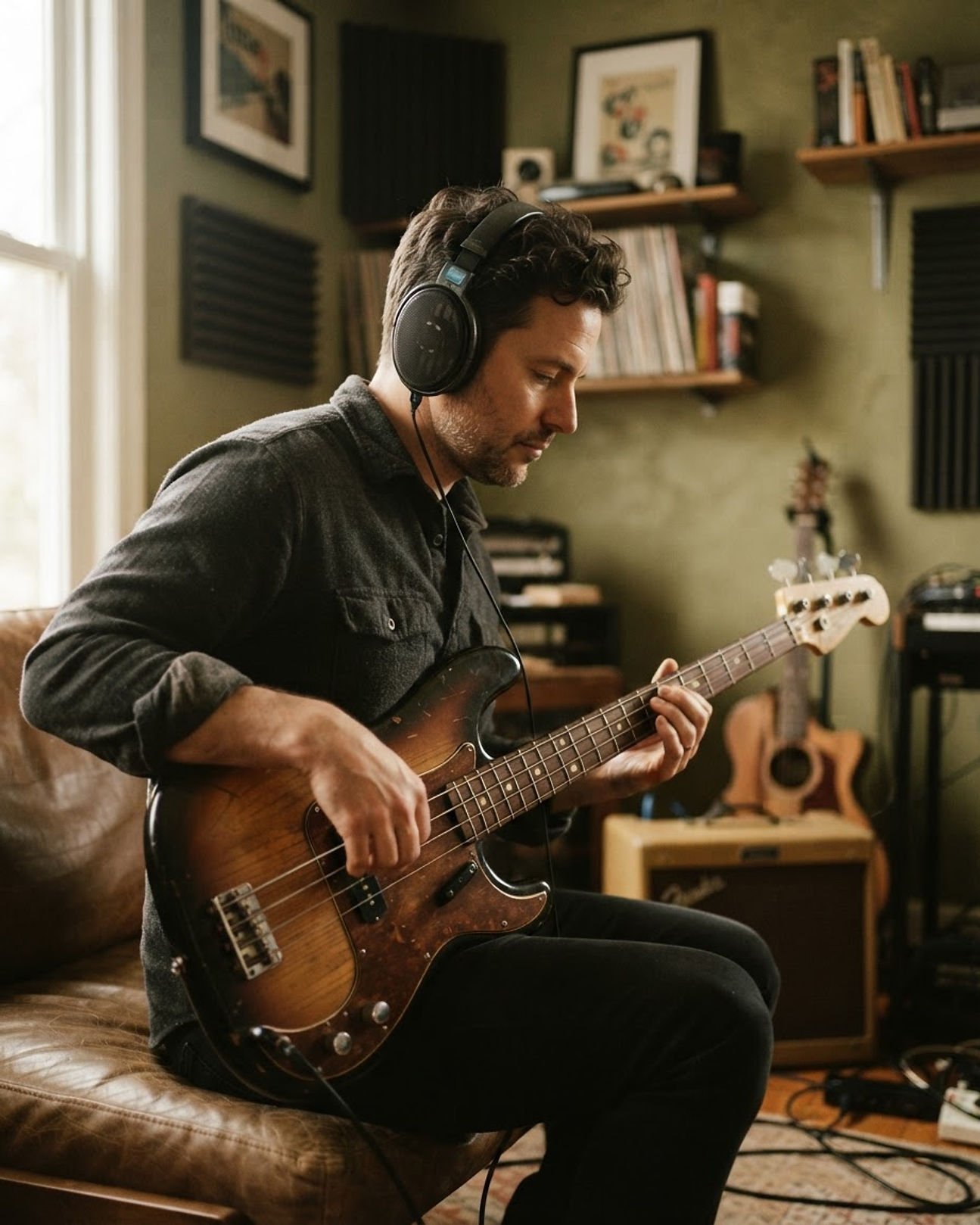
Sit in with the record.
The practice workflow
One place for the work behind better playing.
Learning a song takes more than pressing Play. You listen, isolate parts, repeat difficult passages, record yourself, work on technique, and come back to see what improved. Recordside brings those steps together so you can spend more time playing and less time managing tools.
01
Bring your music
Import recordings you already own.
02
Make room for your instrument
Separate stems and control what you hear.
03
Work on the details
Loop passages, change speed, and practice with or without notation.
04
Capture your performance
Record audio or video Takes without leaving Practice.
05
Learn from what you played
Review Takes, examine supported timing evidence, and track meaningful progress.
06
Know what comes next
Use Coach, your repertoire, and your practice history to plan the next session.
Stem separation
Hear the parts. Play your own.
Separate a recording into individual instrument parts, then build the mix you need for practice. Turn down the bass and play it yourself. Solo the drums. Practice with the rhythm section. Bring the original instruments back when you are ready.
- Automatic stem separation
- Independent stem volume
- Independent Mute and Solo
- Custom practice mixes
- Quick Mute My Part
- Imported stem support
- Automatic alignment of imported stems where a reliable match is found
Stem categories include vocals, guitar, bass, drums, piano, sax and brass, and other instruments, depending on the recording and the separation model you choose. No separation is perfect, and results differ from song to song.
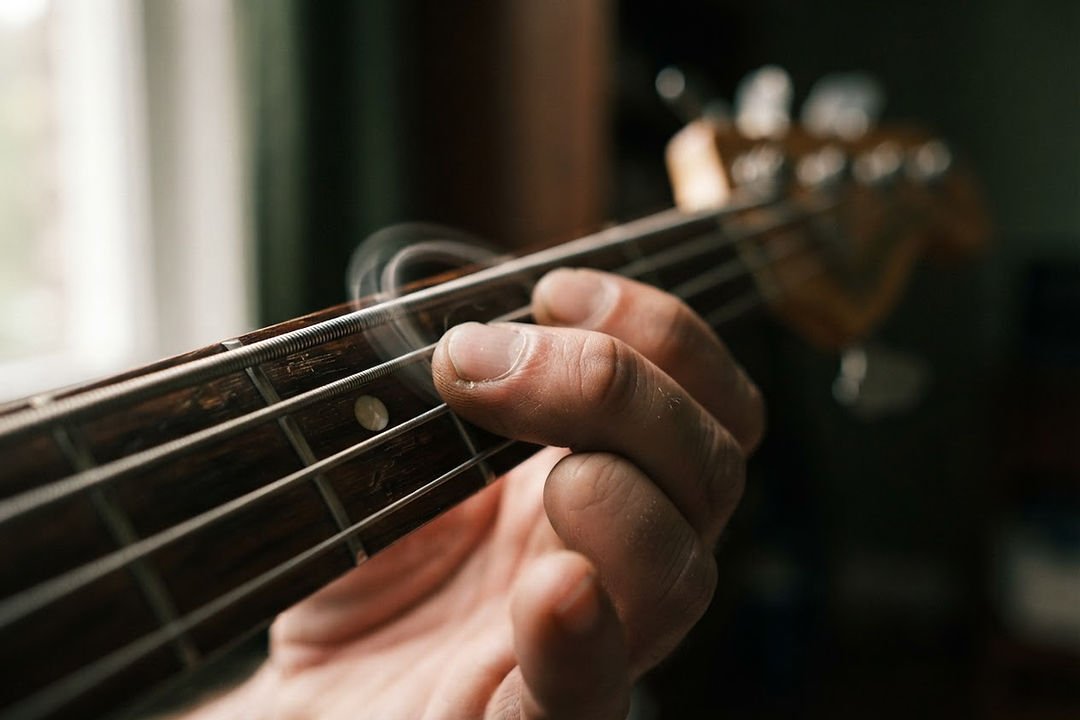
Hands on the instrument, with the part you are learning turned down.
One recording, four parts
- VocalsPlaying
- GuitarPlaying
- BassMuted
- DrumsPlaying
Turn a part down and play it yourself. Bring it back when you want the whole arrangement underneath you.
Practice with the original recording
Stay with the recording.
Practice alongside the musicians who recorded the song. Slow down difficult passages without changing pitch. Loop a phrase until it feels natural. Adjust the mix so you can hear exactly what you need. When you are ready, bring everything back together and play the full song.
- Original-recording playback
- Pitch-preserving speed changes
- Pitch adjustment
- Section looping
- Saved practice sections
- Speed training
- Metronome and count-in
- Keyboard and MIDI controls
- Guitar Pro integration
- Scrolling notation and tablature
No tab? No problem.
Practice with the recording alone, with stems, by ear, or from memory. Add notation when it helps, not because the software requires it.
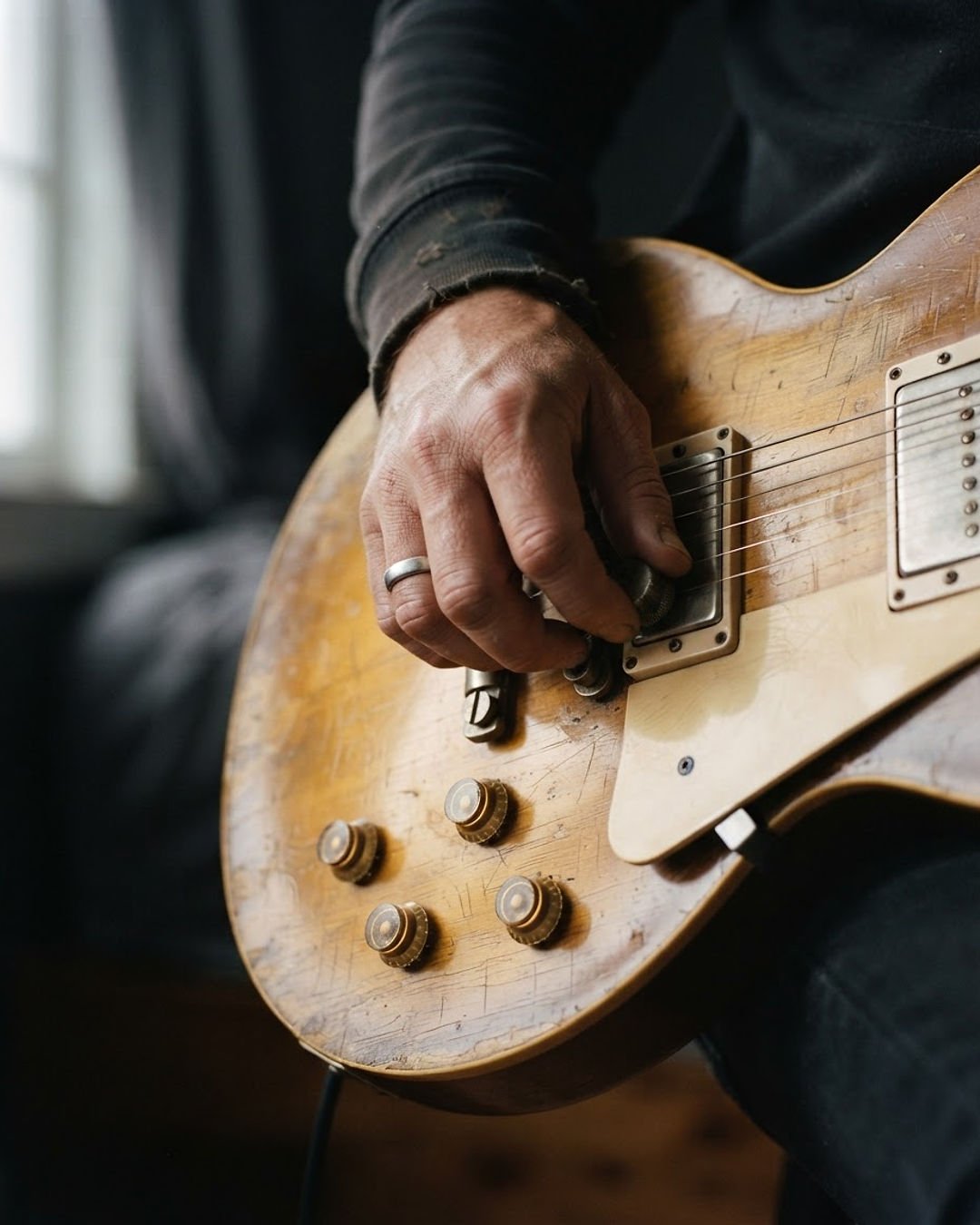
Slow it down, hold the passage, then put it back together.
A bar you are not finished with yet
Set the passage, set the speed, and repeat it until it sits under your fingers. Then return to the whole song.
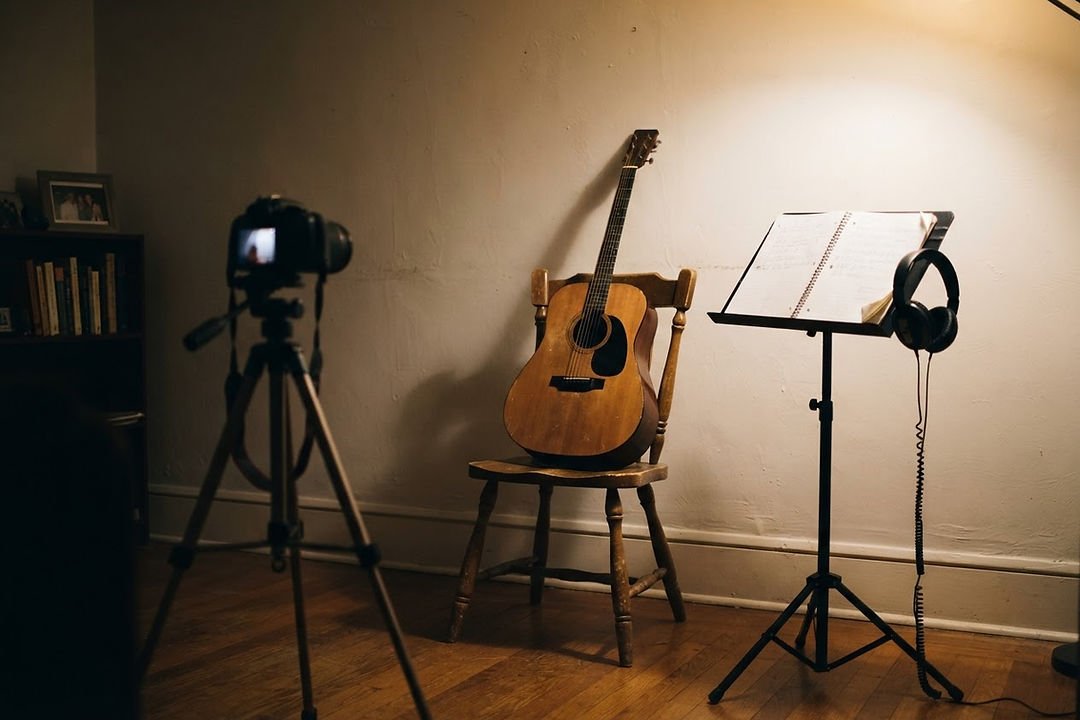
A camera on a tripod in the practice room, not a studio control room.
Audio and video Takes
Hear yourself. See yourself. Improve.
Record your playing right inside your practice session. Capture an audio Take to hear how you performed, or record video to review your hands, movement, posture, and technique. Review your performance alongside the recording, keep the Takes that matter, and return to sections that deserve another pass.
- Audio Takes
- Video Takes
- Live camera framing preview
- Movable and resizable camera picture-in-picture
- In-app review
- Keep or discard recordings
- Local Take history
- MP4 export of Video Takes
- Practice recording without notation
A practice recording does not need a separate DAW, a second application, or a streaming setup. Record, review, keep or discard, and stay where you were.
A video export contains the performance audio you captured. Recordside is not a multitrack studio, a video editor, or a publishing tool.
Evidence and progress
See what your practice is changing.
Practice is more useful when you can return to what happened. Recordside keeps track of your sessions, your repertoire, and the changes that matter over time. Review recorded Takes and, when a suitable reference is available, look at timing patterns against the original instrument part. Find a passage that needs attention, return to it, and work on it again.
- Practice history
- Repertoire status
- Recent improvements
- Practice consistency
- Timing evidence
- Identified passages for further practice
- Progress over time
- Skill evidence
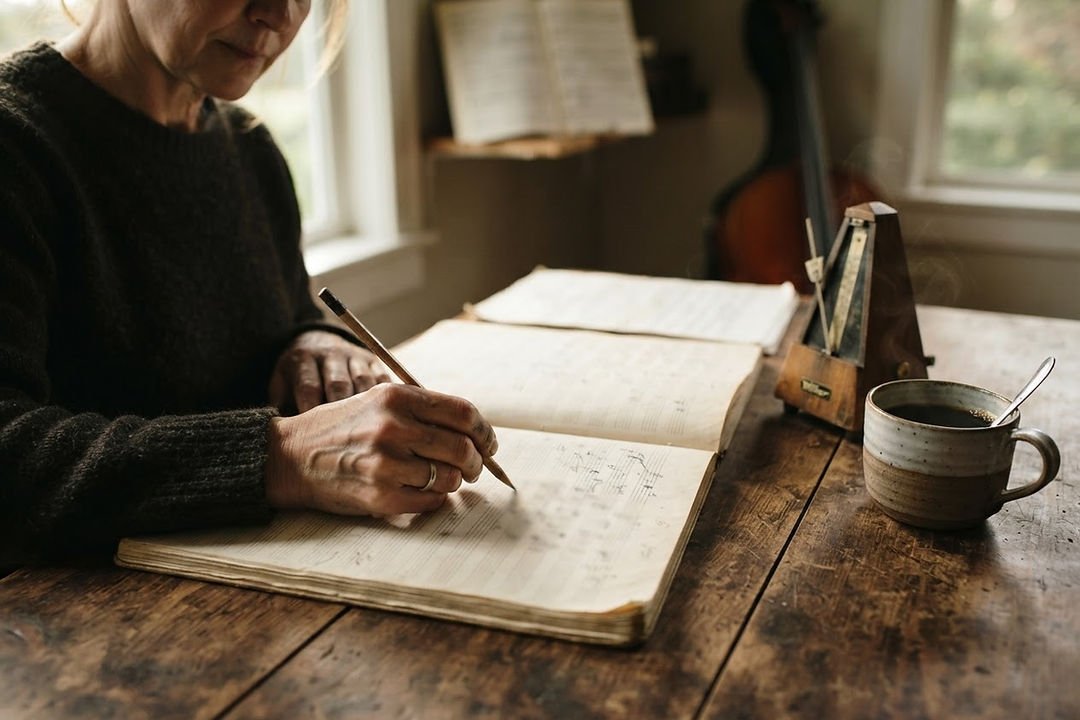
Your own assessment, kept next to what you have played.
Learning
The piece is in the queue, the hard passages are known, and the work is still ahead.
Playable
You can get through it. The shape is there and the weak spots are written down.
Solid
You can play it without thinking about the mechanics. It stays in rotation.
Timing analysis depends on how confident the match is, and currently works with compatible bass or guitar reference parts. It does not grade note accuracy, pitch accuracy, posture, or musical talent, and there are no scores, streaks, or leaderboards here.
Coach and planning
Know what to practice next.
A productive session starts with a direction. Set goals, name the skills you want to improve, organize the resources you are learning from, and let Recordside help shape a useful plan. Coach connects your goals, your repertoire, the time you have, your learning materials, and your practice evidence into specific work you can return to.
- What should I practice today?
- Why is this worth working on?
- Which section needs more attention?
- How does this support my goals?
- What should I work on next?
Coach plans from your goals, repertoire, time, and history. Optional AI assistance can help you shape a goal or tidy up a learning outline you paste in, with your consent and your review before anything changes. Coach is not an autonomous teacher, and it does not quietly rewrite your progress.
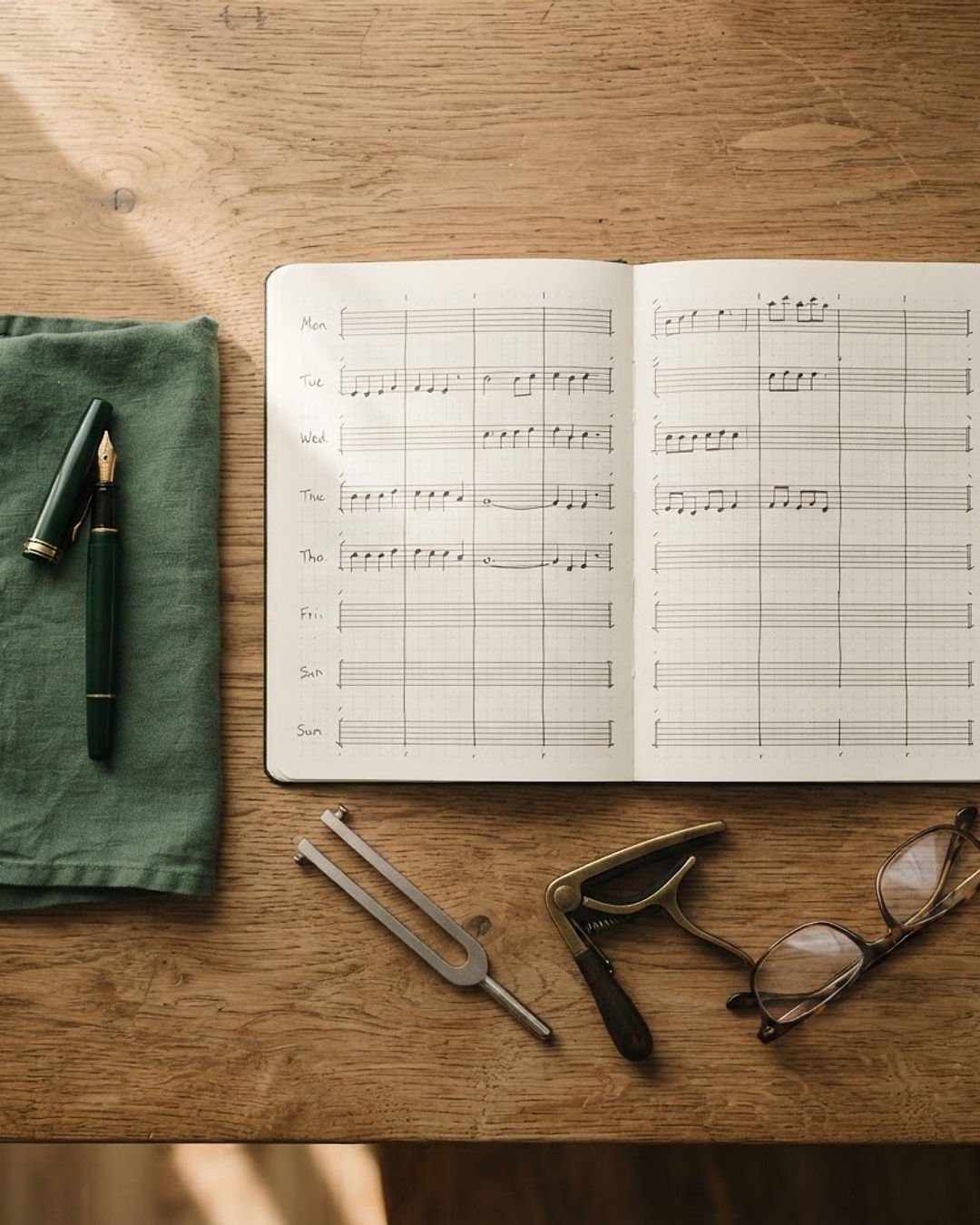
A week of practice that has a reason behind it.
- Personal goals
- Skills
- Weekly practice plans
- Suggested Sessions
- Practice Queue
- Repertoire review
- Integration with your Resources
- The reason behind each recommendation
- An explicit Re-plan when things change
Your library
Your practice materials. Finally together.
Keep your recordings, repertoire, notation, learning materials, and practice history organized around the music you are actually working on. Recordside gives your practice routine a home without forcing you into a new content library or a music subscription.
- Local song library
- Guitar Pro files and tablature
- Per-instrument repertoire tracking
- Practice Queue
- Resources
- Courses, books, lessons, videos, and websites
- Setlists
- Gig Mode
- Song notes and practice history
You bring your own music and your own learning materials. Recordside does not sell or supply licensed commercial songs.
It does not replace the courses, teachers, and books you already use. It helps you organize them and put them to work.
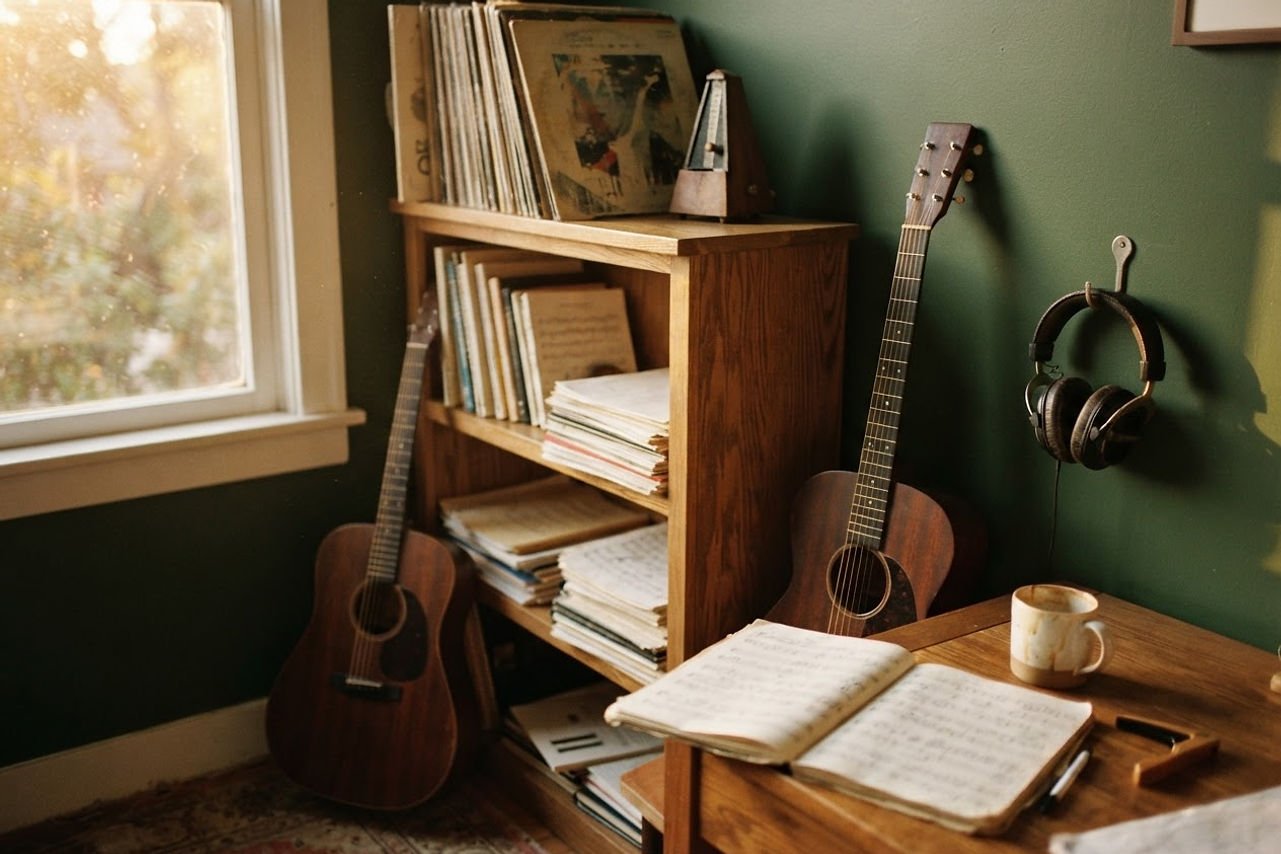
The recordings, books, and notes you already own, kept in one place.
Local-first
Your music. Your computer. Your practice.
Recordside is built around the files you already own. Your recordings, practice history, Takes, repertoire, and learning materials live on your computer. The core practice experience works offline, without a cloud account and without an ongoing synchronization service.
Stored on your machine
- Recordings you imported
- Separated parts and practice mixes
- Audio and video Takes
- Practice history and session notes
- Repertoire status for each instrument
- Learning resources and their links
When a connection is needed
- Optional separation and model downloads
- Optional AI requests you choose to send
- Future connected features such as Rooms
Optional features you switch on may send information to the services they use. Nothing is uploaded to us in the background.
An ordinary desk, an ordinary laptop, and the music you already have.
In development, planned for Phase 1
Recordside Rooms
Practice is better when you can share it.
Recordside Rooms is being developed to make live practice sharing easier. The planned experience lets a musician open their Recordside Practice workspace to a teacher, a bandmate, or a fellow musician. A guest joins through a browser, without installing Recordside or creating an account. Together you can discuss a passage, demonstrate a technique, or work through a lesson while the music stays central.
- A live shared Practice workspace
- Shared recording and stem-mix audio
- Host microphone
- Optional camera
- A guest who joins in a browser
- Guest microphone and camera
- Host admission before anyone joins
- Lesson-style and rehearsal-style collaboration
Rooms is a preview of where Recordside is heading, not a service you can use today. It is not designed for low-latency synchronized jamming. Recordside Classroom may follow later as a further extension, and is not available either.
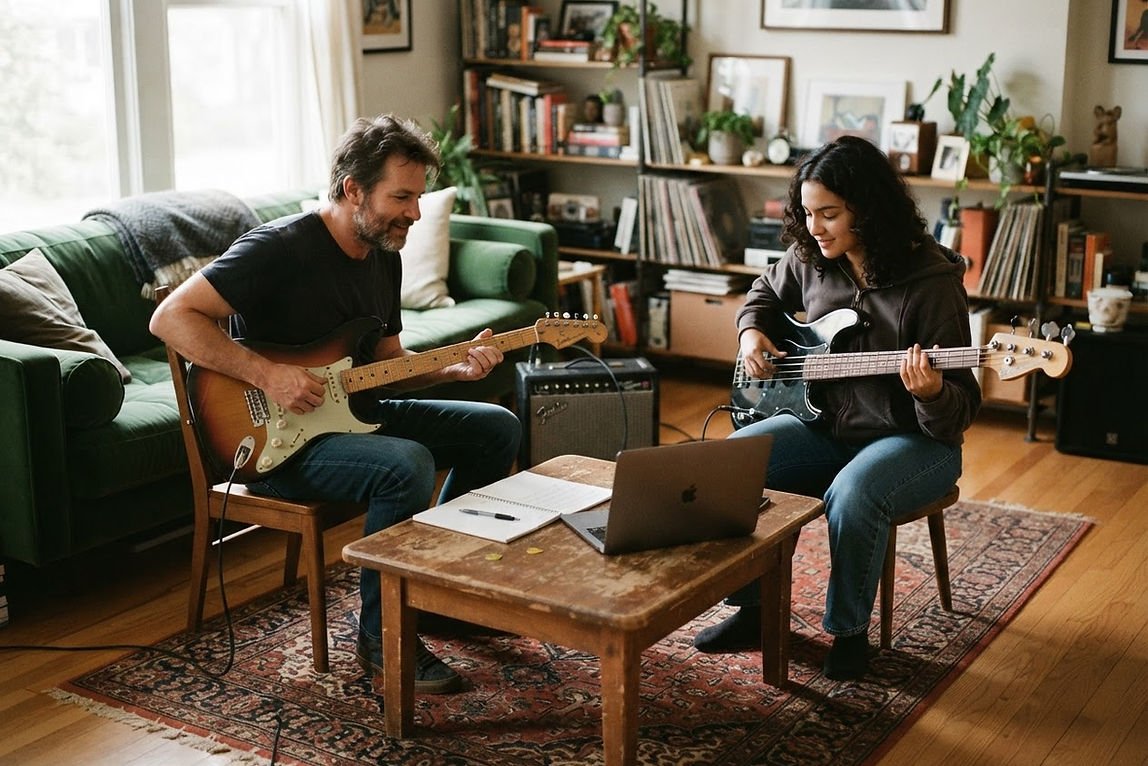
A lesson where both people can hear the same recording, at the same time.
Updates
Follow the development of Recordside.
Recordside is being built to bring the whole practice process together, from playing alongside the original recording to reviewing your performance and planning what comes next.
- Development milestones as the product takes shape
- Product previews, without promising dates we cannot keep
- Availability news, including the Windows release